Color your world
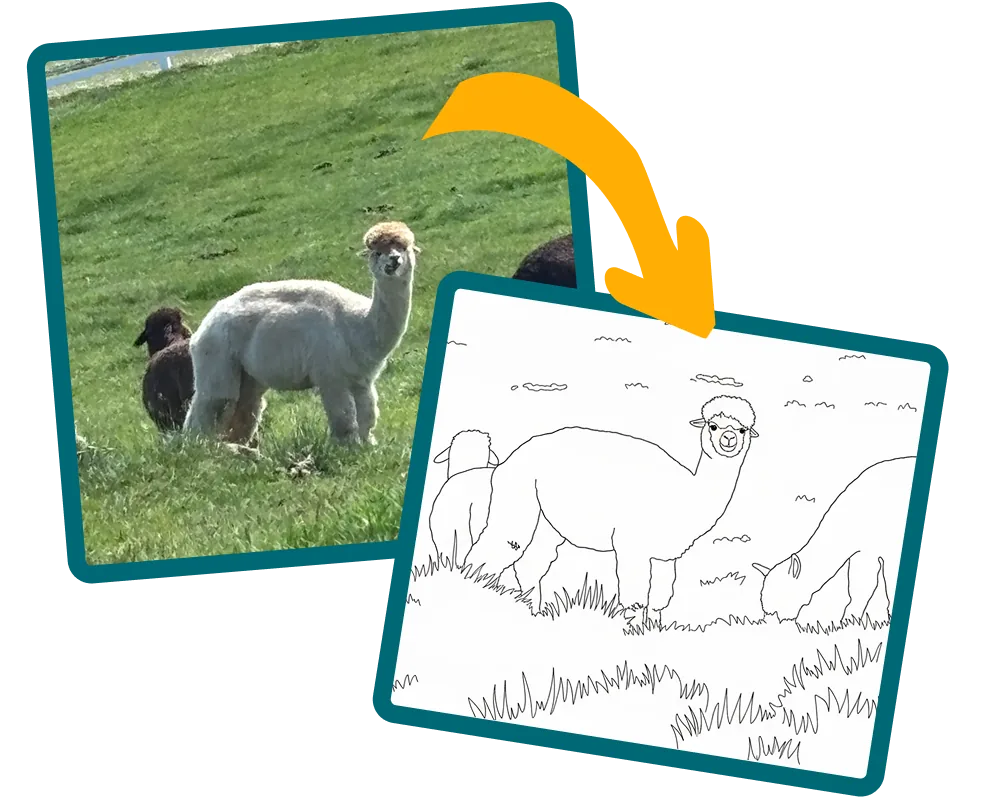
Turn your favorite picture into a printable coloring sheet in seconds.
How it works
-
 Upload
- Pick a Style
-
 Print & Color
Turn your favorite picture into a printable coloring sheet in seconds.
Upload
Print & Color
"I can't wait to make a project with you!"
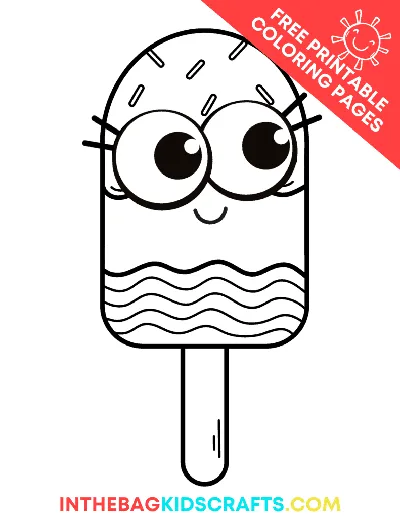
This buddy has a ready-made coloring sheet — no style or detail level to pick, it's ready right away!
Sharpening our pencils…
By generating this image, you confirm you have the right to use the uploaded photo (it's you, your child, or someone who's given you permission). This coloring sheet is for personal, non-commercial use only — please don't sell it or post it elsewhere. If any copyrighted characters, brands, or trademarks appear, they belong to their respective owners; GlueStick doesn't own them and isn't granting any rights to use them.
Your coloring sheet will show up here.
Create a free GlueStick account to track supplies and see if you have what you need at a glance. Leave your kids tips about where supplies are stored in your household so they can set up and clean up their creative spaces independently.

"Color inside the lines, outside the lines — it's your masterpiece!"
Use the Download button to save a PDF, or the Print button to send it straight to your printer. Ask a grown-up for help if you need it.
Color inside the lines, outside the lines, or make up your own colors — it's your masterpiece! Take your time and have fun with it.
When you're done, ask a grown-up to help you snap a photo to share your masterpiece. Then, hang it somewhere special!
Put things away so your space is tidy for next time.
Check off each supply when it is put away — and any clean-up tips underneath are done too. You might find a fun surprise!
Did we run out of anything while making this project? Update our supply cupboard so that we know exactly what we have for next time.
"Great job!"
Your first project is free. Create your free GlueStick account to keep making — and discover projects you can do with the supplies you already have.
Take or upload a picture of your pet, your family, or the view outside your window, and GlueStick turns it into a printable coloring sheet you can color with crayons, markers, or colored pencils.
Pick the look you want: Classic Cartoon, Comic Book, and Storybook give your picture a fun illustrated look, and Detailed keeps outlines closer to the real shapes in your photo.
Low uses thick lines and just a few big spaces to color. High has a moderate amount of detail for kids who want a bit more to color.
Not yet — this tool makes a printable coloring sheet. Save your design, then print it or download the PDF, and color it in on paper with crayons, markers, or colored pencils.
Yes. During our beta period, making a coloring sheet is completely free. Saving your design and downloading the PDF needs a free GlueStick account.
Probably not. Your favorite cartoon character is likely a protected image owned by someone else. If you want to color your favorite cartoon character, it's best to buy a coloring book to make sure the original author is fairly compensated.
Coloring sheets are for personal entertainment only. They cannot be sold or posted on any other website. These images are AI-generated. GlueStick claims no copyright over the pictures this tool generates. Any characters, brands, or trademarks stay the property of their owners.
If your image includes a trademarked or copyrighted character, our AI image model will block it to protect the rights of the original owner. This message can appear if the character is on a shirt, toy, sticker, or other item in the picture..
GlueStick removes hidden location and device information from your picture before using it, and does not store your original picture after the coloring sheet is generated.